File list
From Help Wiki
This special page shows all uploaded files.
| Date | Name | Thumbnail | Size | Description | Versions |
|---|---|---|---|---|---|
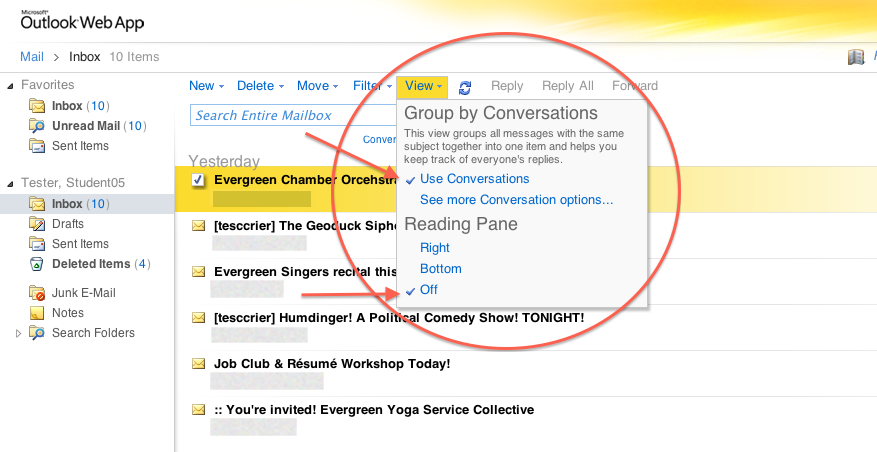
| 12:51, 12 December 2013 | OutlookWeb ViewSettings1.png (file) |  |
112 KB | 1 | |
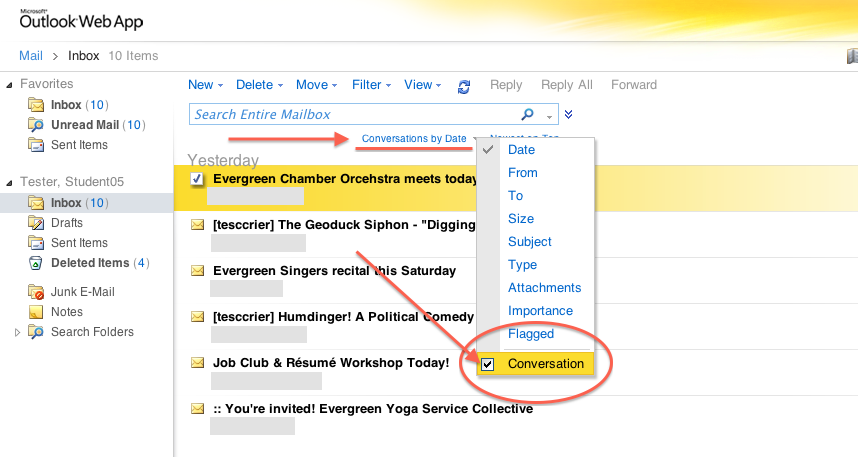
| 19:24, 12 December 2013 | OutlookWeb ViewSettings2.png (file) |  |
157 KB | 1 | |
| 19:35, 12 December 2013 | OutlookWeb ViewSettings3.png (file) |  |
122 KB | 1 | |
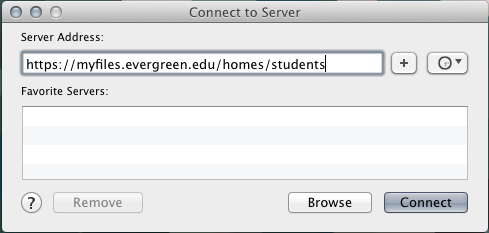
| 15:39, 17 December 2013 | ConnectToFilespace MacOSX4-ServerURLExample.png (file) |  |
25 KB | 1 | |
| 15:44, 17 December 2013 | ConnectToFilespace MacOSX1-FinderGo.png (file) |  |
64 KB | 1 | |
| 15:46, 17 December 2013 | ConnectToFilespace MacOSX2-smbExample.png (file) |  |
23 KB | 1 | |
| 17:51, 14 January 2014 | Moodle.png (file) |  |
29 KB | 1 | |
| 17:52, 14 January 2014 | Moodle large-green.png (file) |  |
29 KB | 1 | |
| 17:41, 21 February 2014 | ConnectToFilespace MacOSX3-LoginWindow Student-greeve67.png (file) |  |
378 KB | 1 | |
| 14:09, 14 April 2014 | ViewAllMyMoodles Arrow.png (file) |  |
17 KB | Visual aid for locating "View All My Moodles" link/listing | 1 |
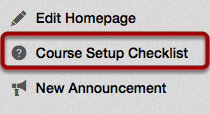
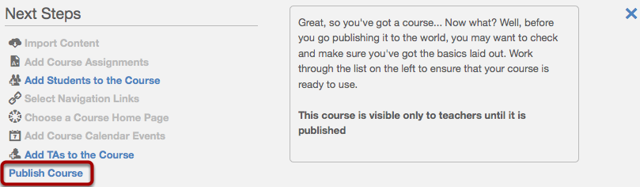
| 18:50, 16 April 2014 | CanvasPC1 Open Course Setup Checklist.png (file) |  |
22 KB | 1 | |
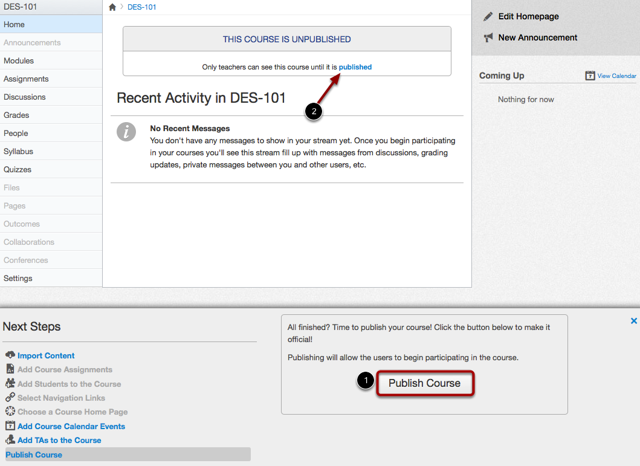
| 18:51, 16 April 2014 | CanvasPC2 Open Publish Course Option.png (file) |  |
59 KB | 1 | |
| 18:52, 16 April 2014 | CanvasPC3 Publish Course.png (file) |  |
130 KB | 1 | |
| 18:52, 16 April 2014 | CanvasPC4 View Course.png (file) |  |
3 KB | 1 | |
| 13:07, 18 April 2014 | Canvas-logo-grn300.png (file) |  |
3 KB | 1 | |
| 15:18, 31 December 2015 | WordPress CreateNewPost1and2.png (file) |  |
56 KB | 1 | |
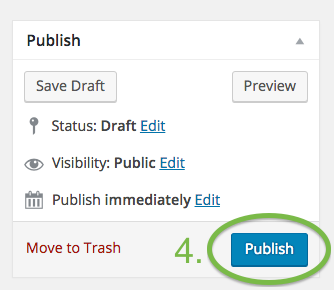
| 15:28, 31 December 2015 | WordPress PublishButton.png (file) |  |
33 KB | 1 | |
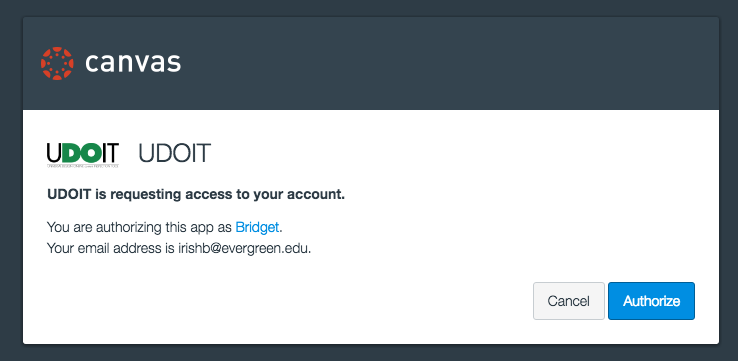
| 12:07, 28 September 2016 | Screenshot UDOIT-authorization-prompt-in-Canvas.png (file) |  |
35 KB | Screenshot of UDOIT authorization prompt/pop-up window in Canvas | 1 |
| 18:15, 28 September 2016 | Screenshot UDOIT-authorization-error-message-in-Canvas.png (file) |  |
15 KB | Screenshot of UDOIT authorization error message in Canvas | 1 |
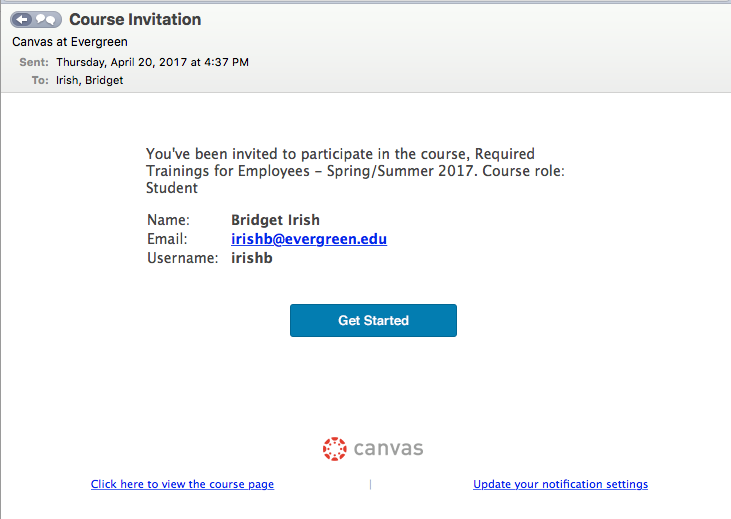
| 12:16, 24 April 2017 | Canvas Course-invitation-message-at-Canvas-Dashboard.png (file) |  |
37 KB | Screenshot of Course invitation message at user's Canvas Dashboard or when accessing Canvas course for first time. | 1 |
| 12:18, 24 April 2017 | Canvas Email-Notification-of-course-enrollment.png (file) |  |
60 KB | Screenshot of the email notification Canvas sends out when a user has been added/enrolled to a Canvas course. | 1 |
| 12:26, 24 April 2017 | Canvas Course-invitation-acceptance-message.png (file) |  |
18 KB | Screenshot of acknowledgment message that shows in Canvas after course invitation has been accepted. | 1 |
| 14:23, 26 July 2018 | Canvas Course-Invitation-Email EPT-Staff.png (file) |  |
55 KB | 1 | |
| 14:23, 26 July 2018 | Canvas Course-Invitation-Email EPT-Faculty.png (file) |  |
58 KB | 1 | |
| 14:23, 26 July 2018 | Canvas Course-Invitation-at-Dashboard EPT-Staff.png (file) |  |
23 KB | 1 | |
| 14:24, 26 July 2018 | Canvas Course-Invitation-at-Dashboard EPT-Faculty.png (file) |  |
22 KB | 1 | |
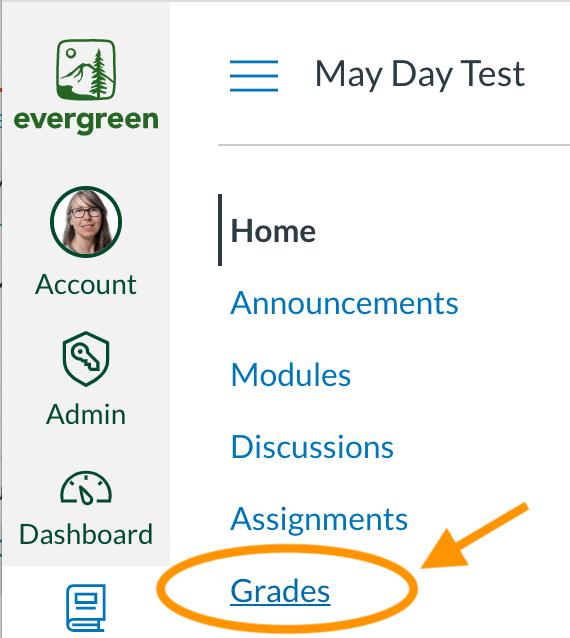
| 13:38, 4 March 2020 | Canvas How to access GRADES FOR page 1.png (file) |  |
79 KB | Screenshot shows where to click on "Grades" in the Course navigation menu. | 1 |
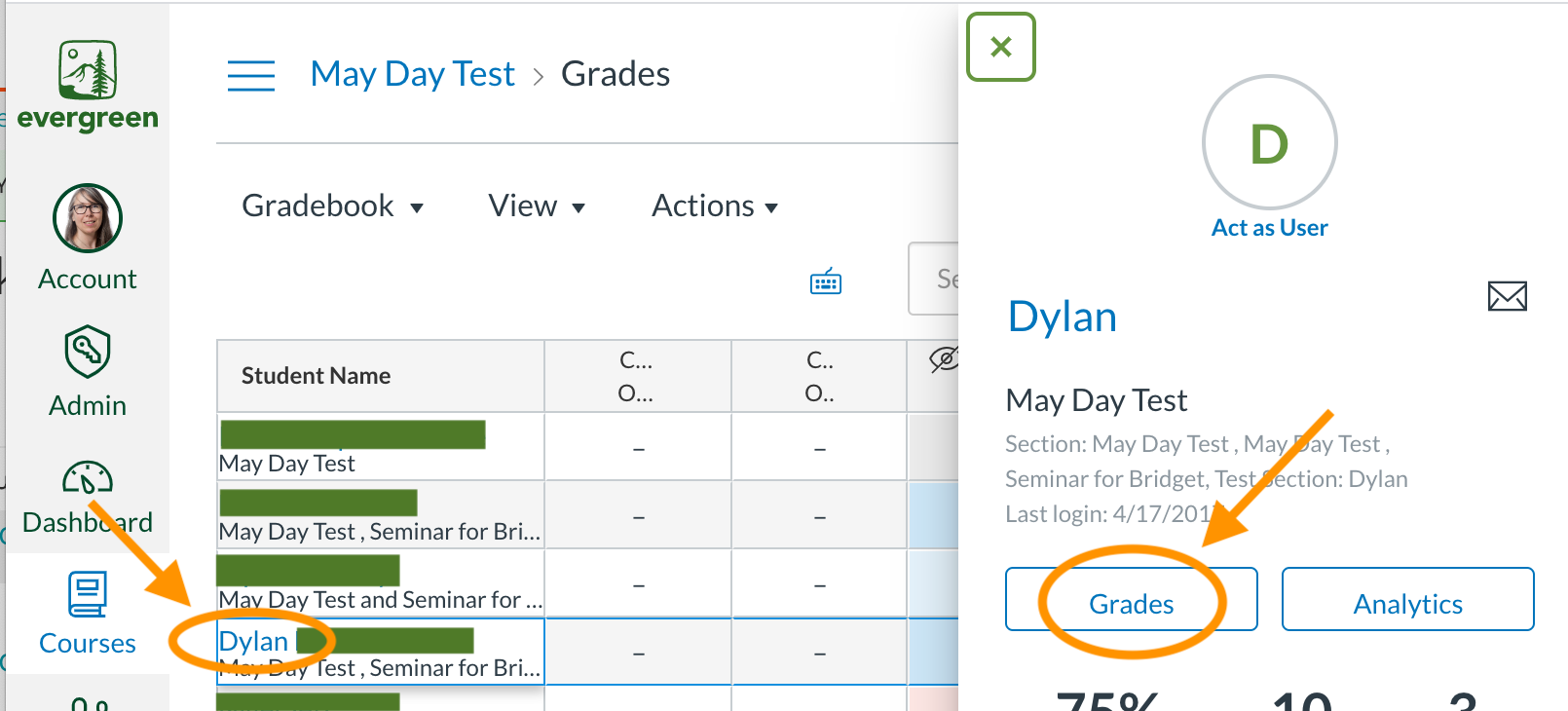
| 13:39, 4 March 2020 | Canvas How to access GRADES FOR page 2.png (file) |  |
198 KB | Screenshot shows where to click on student's name in Gradebook and then the "Grades" button in student's Context Card. | 1 |
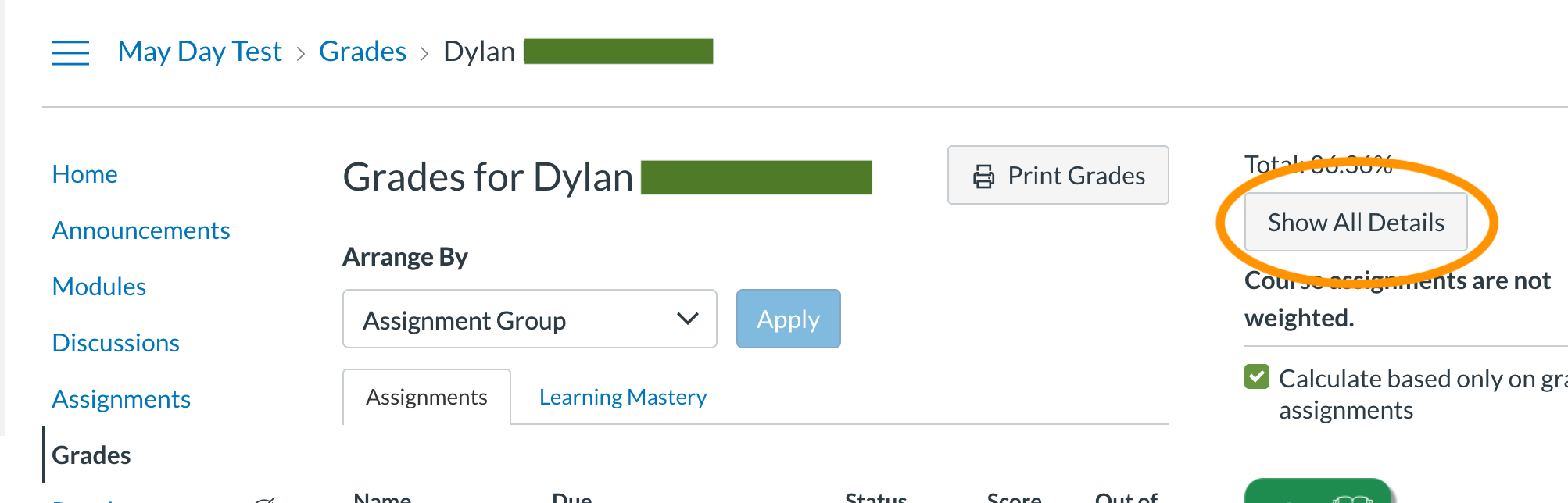
| 13:41, 4 March 2020 | Canvas How to access GRADES FOR page 3.png (file) |  |
152 KB | Screenshot shows where to click on "Show All Details" at student's "Grades for..." page. | 1 |
| 13:20, 4 November 2020 | Accessibility keyboard-with-green-keys-key.jpg (file) |  |
142 KB | 1 | |
| 19:52, 17 December 2021 | Microsoft Login Window 1 - Enter full Evergreen email address.png (file) |  |
212 KB | screenshot of the first Microsoft login window users encounter when logging into office.com and Canvas | 1 |
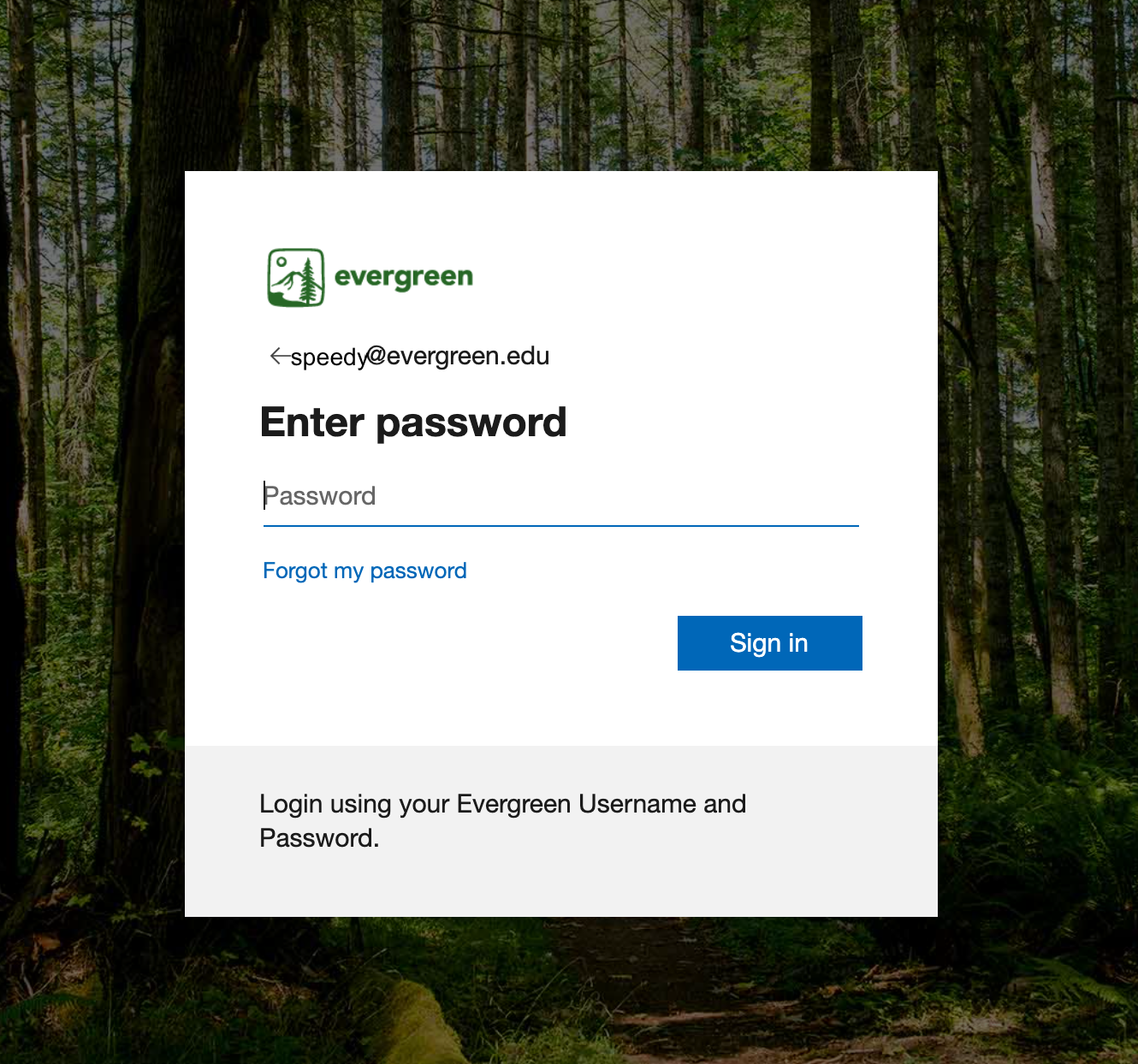
| 20:00, 17 December 2021 | Microsoft Login Window 2 - Enter Evergreen password.png (file) |  |
1.64 MB | Screenshot of the "Enter Password" login window that follows after entering Evergreen email address. This window features the Evergreen logo and a background image of trees. | 1 |
| 13:53, 24 February 2025 | SelfInitiateCanvas.png (file) |  |
221 KB | This screenshot shows user which button to click to request Canvas. | 1 |
| 14:09, 24 February 2025 | SelfInitiateCanvas-ChooseCloningorTemplate.png (file) |  |
104 KB | As part of the Canvas self-initiation process for faculty, this screenshot shows the interface that includes options to clone or apply a template. | 1 |
| 14:12, 24 February 2025 | SelfInitiateCanvas-ChooseCloning.png (file) |  |
182 KB | As part of the Canvas self-initiation process for faculty, this screenshot shows how to choose the cloning option. | 1 |
| 16:59, 24 February 2025 | SelfInitiateCanvas-ChooseTemplate1a.png (file) |  |
298 KB | As part of the Canvas self-initiation process for faculty, this screenshot shows how faculty can select a fresh site and apply a template. | 1 |
| 17:00, 24 February 2025 | SelfInitiateCanvas-ChooseTemplate1b.png (file) |  |
356 KB | As part of the Canvas self-initiation process for faculty, this screenshot shows how faculty can select a fresh site and apply a template using the drop-down menu. | 1 |
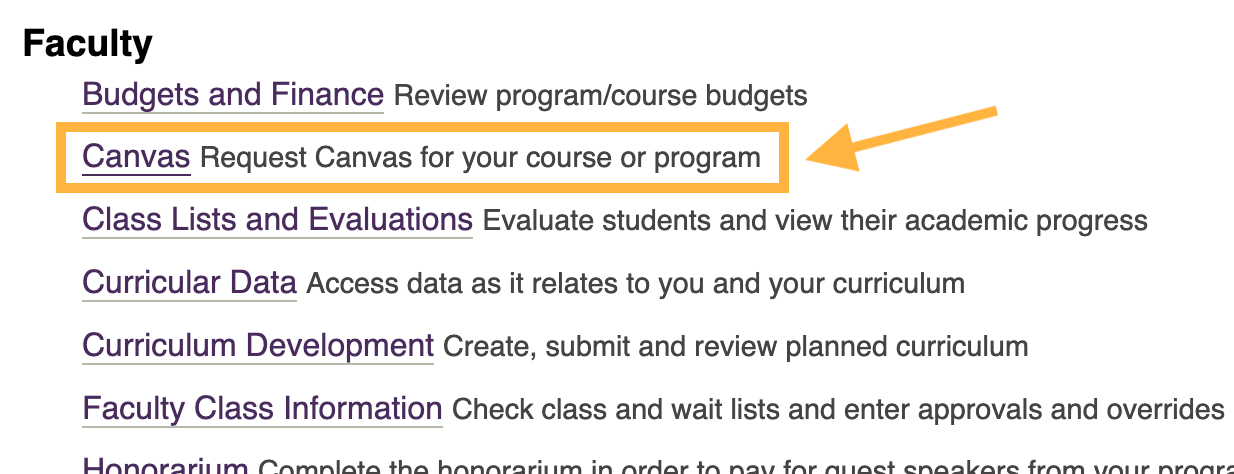
| 16:35, 11 September 2025 | Canvas request link at My Evergreen page.png (file) |  |
116 KB | screenshot of the "Canvas" request link at My Evergreen that can be used by faculty to self-initiate their site | 1 |
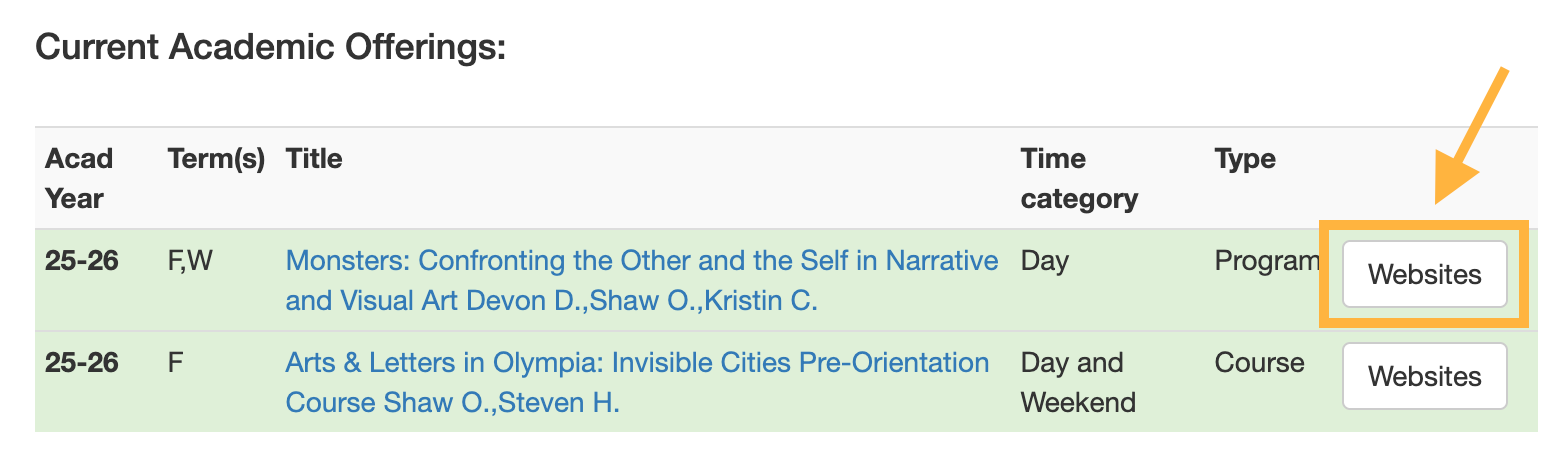
| 16:51, 11 September 2025 | Websites-Canvas button at Presence.png (file) |  |
102 KB | screenshot from Presence of where the "Websites" (Canvas request) button is located | 1 |