
Canvas Login for Evergreen Users
From Help Wiki

Canvas log in Help for Students, Faculty, and Staff
Ways to log in to Canvas
Canvas can be logged into from:
- My Evergreen page (my.evergreen.edu)
- Canvas Dashboard (canvas.evergreen.edu)
- Microsoft 365 app picker at https://m365.cloud.microsoft/
Canvas Log In Tips
- When accessing Canvas through My Evergreen (my.evergreen.edu) or logging in at your Canvas Dashboard (canvas.evergreen.edu), you should first see a Microsoft "Sign in" window:
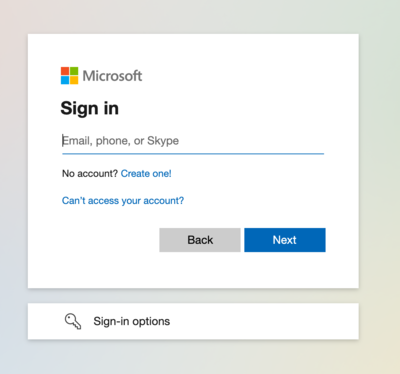
- Enter your full Evergreen email address and click the blue “Next” button at lower right.
- A second login window, "Enter password," should then follow, featuring the Evergreen logo at upper right and an image of our Evergreen forest in the background:
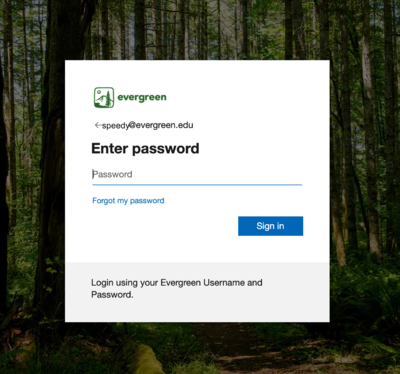
- Enter your Evergreen password and click the blue “Sign in” button at lower right to complete login.


